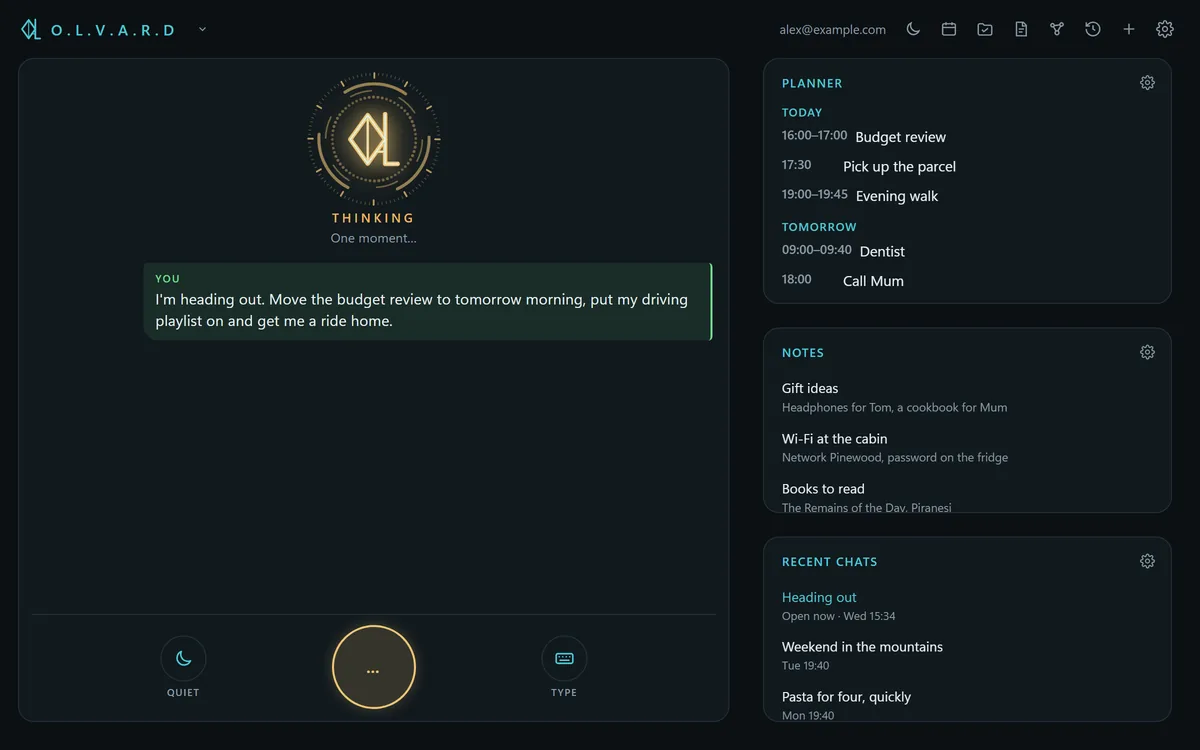
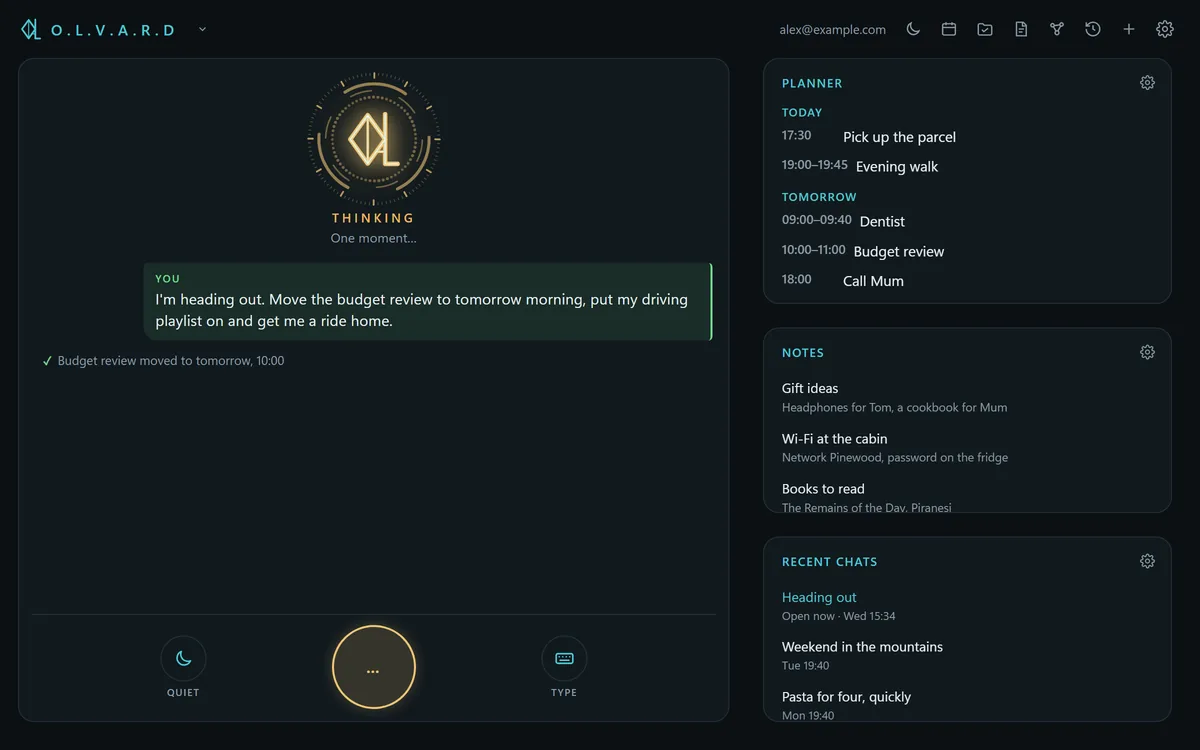
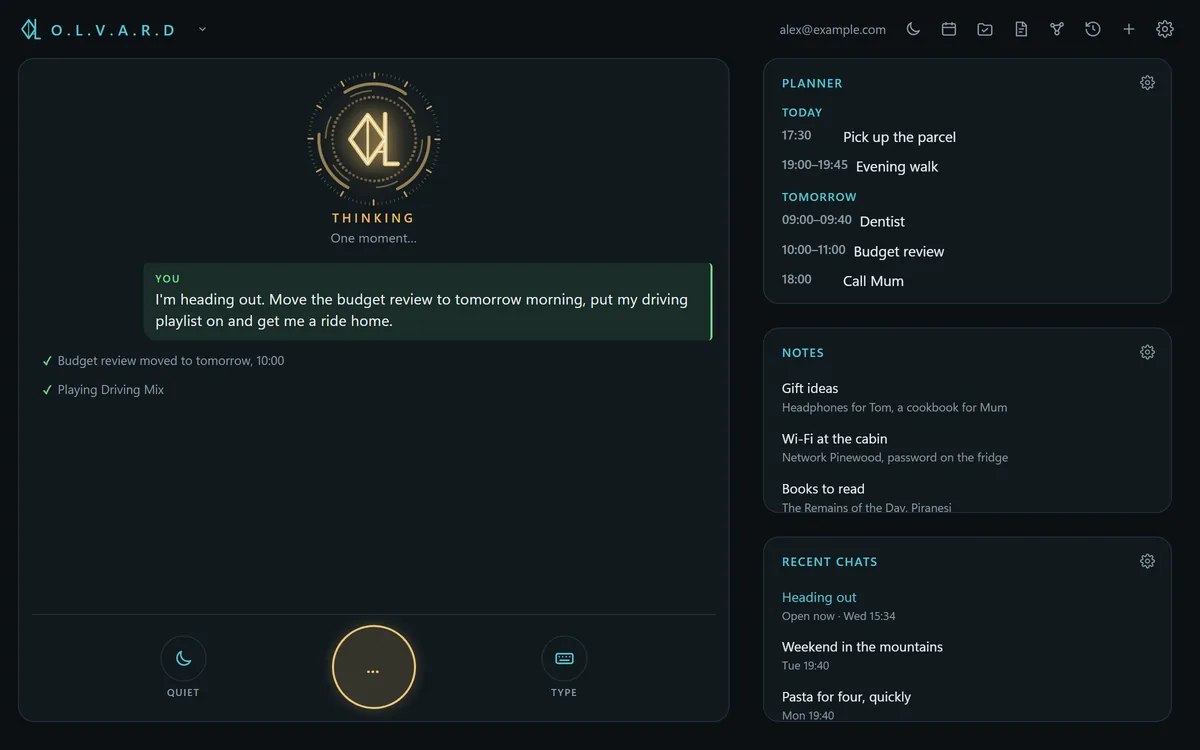
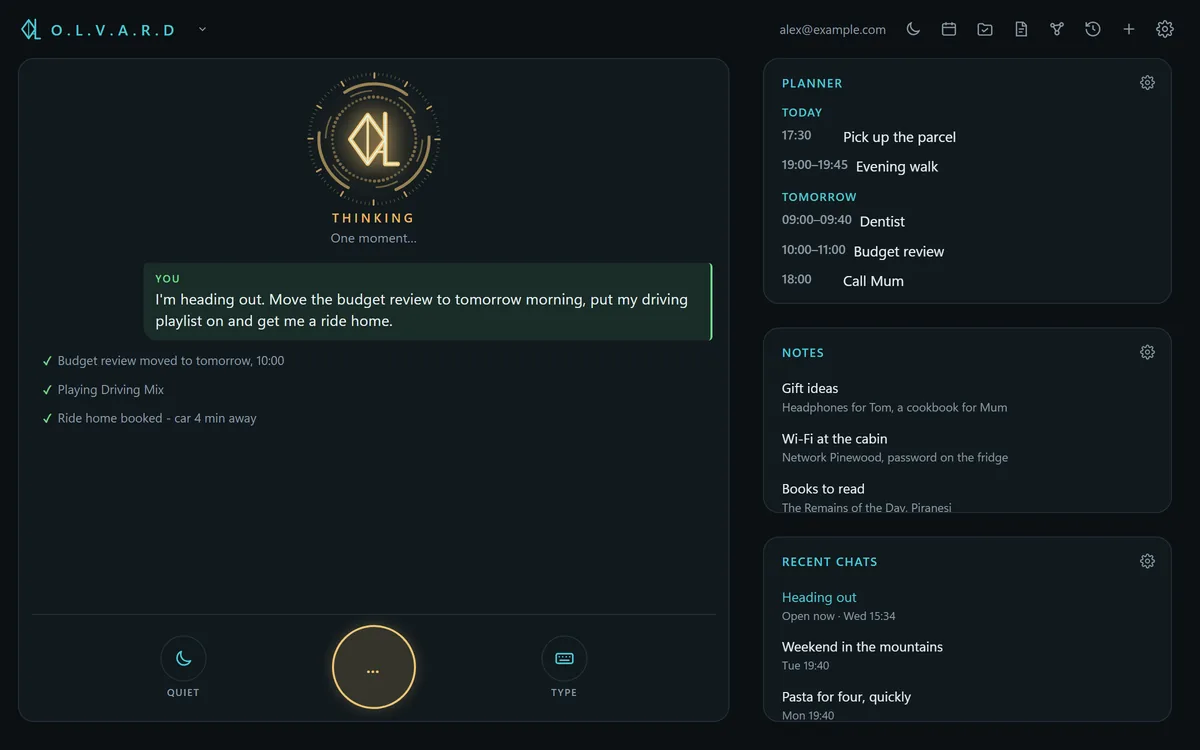
Talk naturally
Speak like you would to a person.
Or type. Either way the answer is read aloud, in a voice that runs on your own device.
Say it once and it's done. In whatever personality suits you, encrypted so that not even we can read it.
A voice assistant for Windows and Android. macOS and iPhone in progress.
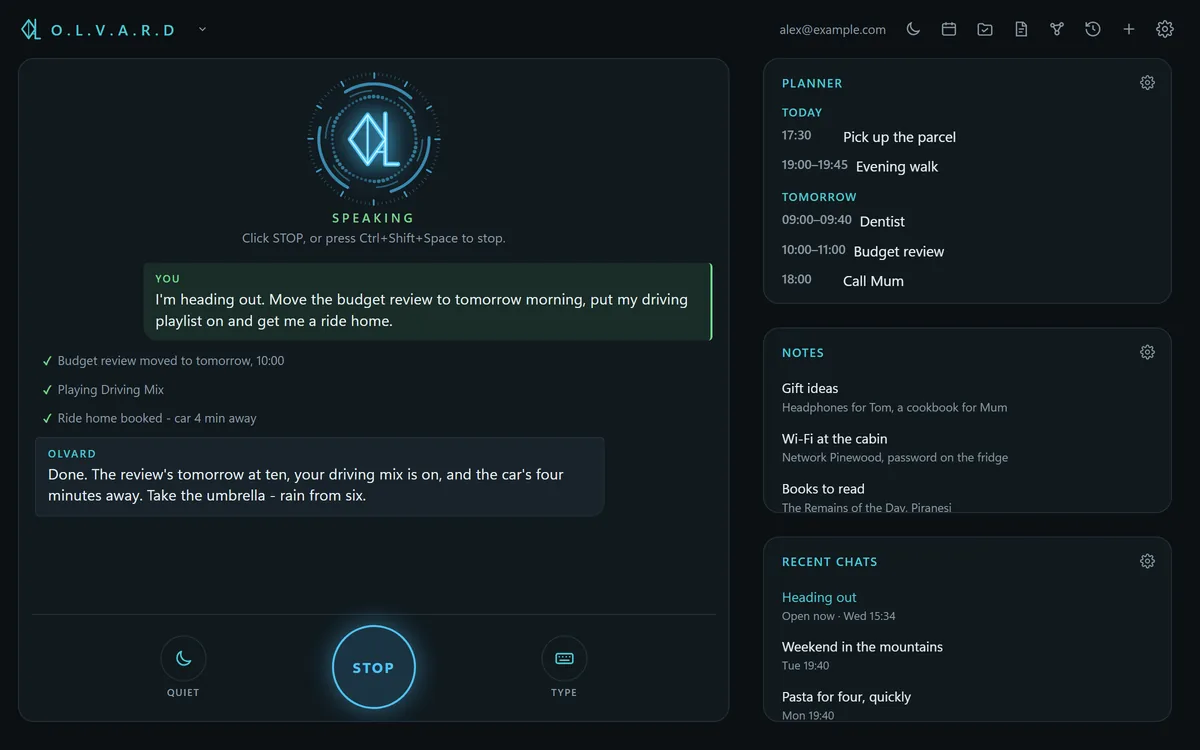
What the others don't do
Give a long job its own tab: the shop website, chapter three of the thesis, next year's budget. Each works in its own folder with its own memory, in the background, while you talk to Olvard about something else. Ask from your phone how it's going. Freeze a tab and wake it next week right where it left off.
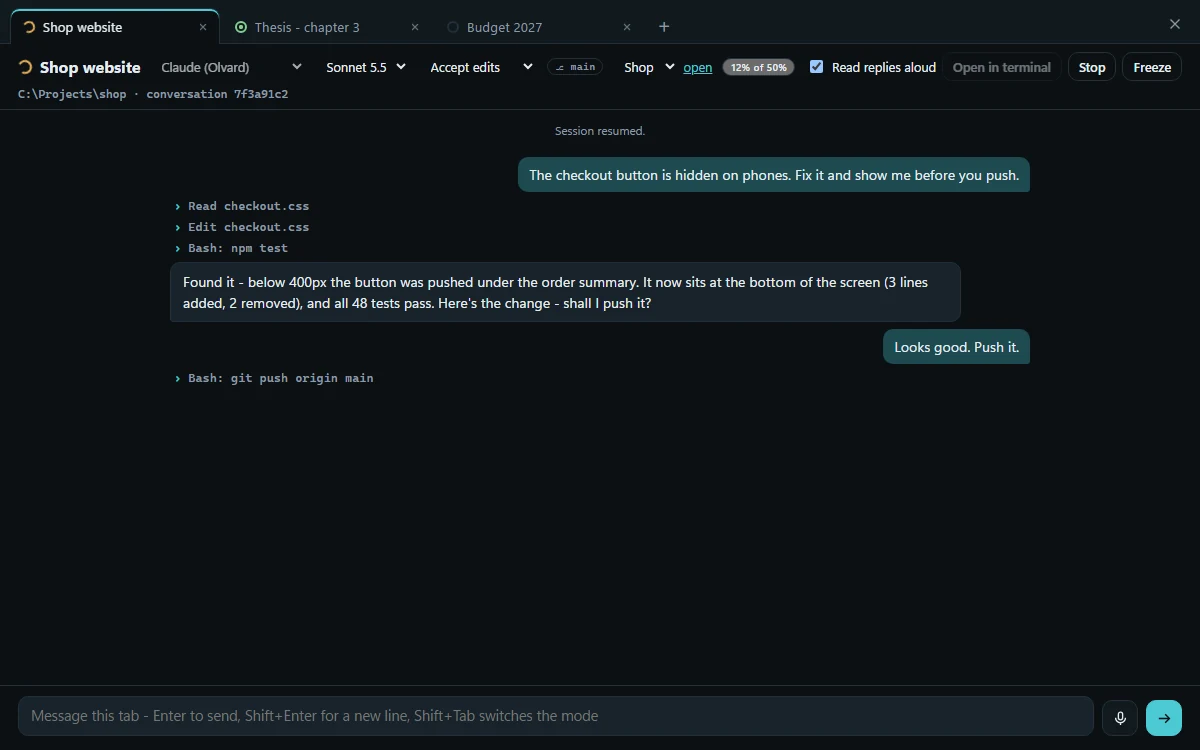
From the first coffee to 2 a.m.: the desk, the way home, hands-free in the car and the kitchen - and what happens to your notes while you sleep. Just scroll.
Start the day →YouWhat's on my plate today?
✓ Planner · 3 items today
OlvardStand-up with Anna at 10:15, the parcel before six, and that walk you keep promising yourself. The weather says today's the day.
YouPush the stand-up to half ten.
✓ Planner · moved to 10:30
OlvardDone, it's at 10:30 now. That buys you a proper coffee.
YouPlay something to focus.
✓ Spotify · playing
OlvardSomething quiet, no lyrics. Off you go.
YouGet me an Uber home at five.
✓ Uber · trip home opened
OlvardUber's open with the trip home. Check the price and it's yours.
YouWhat's the weather at five?
✓ Weather · 17°, light rain
OlvardLight rain around five, 17 degrees. Take an umbrella.
YouLock my PC.
✓ PC · locked
OlvardLocked. Off you go, I'll keep an eye on things.
You · hands-freeOlvard, listen up. Play my road trip playlist.
✓ Spotify · playing
OlvardRoad trip, playing. Eyes on the road. I've got the rest.
YouTake me home, no motorway.
✓ Navigation · 24 min
OlvardRoute's up - 24 minutes, no motorway.
YouCall Mum.
✓ Phone · calling Mum
OlvardCalling Mum.
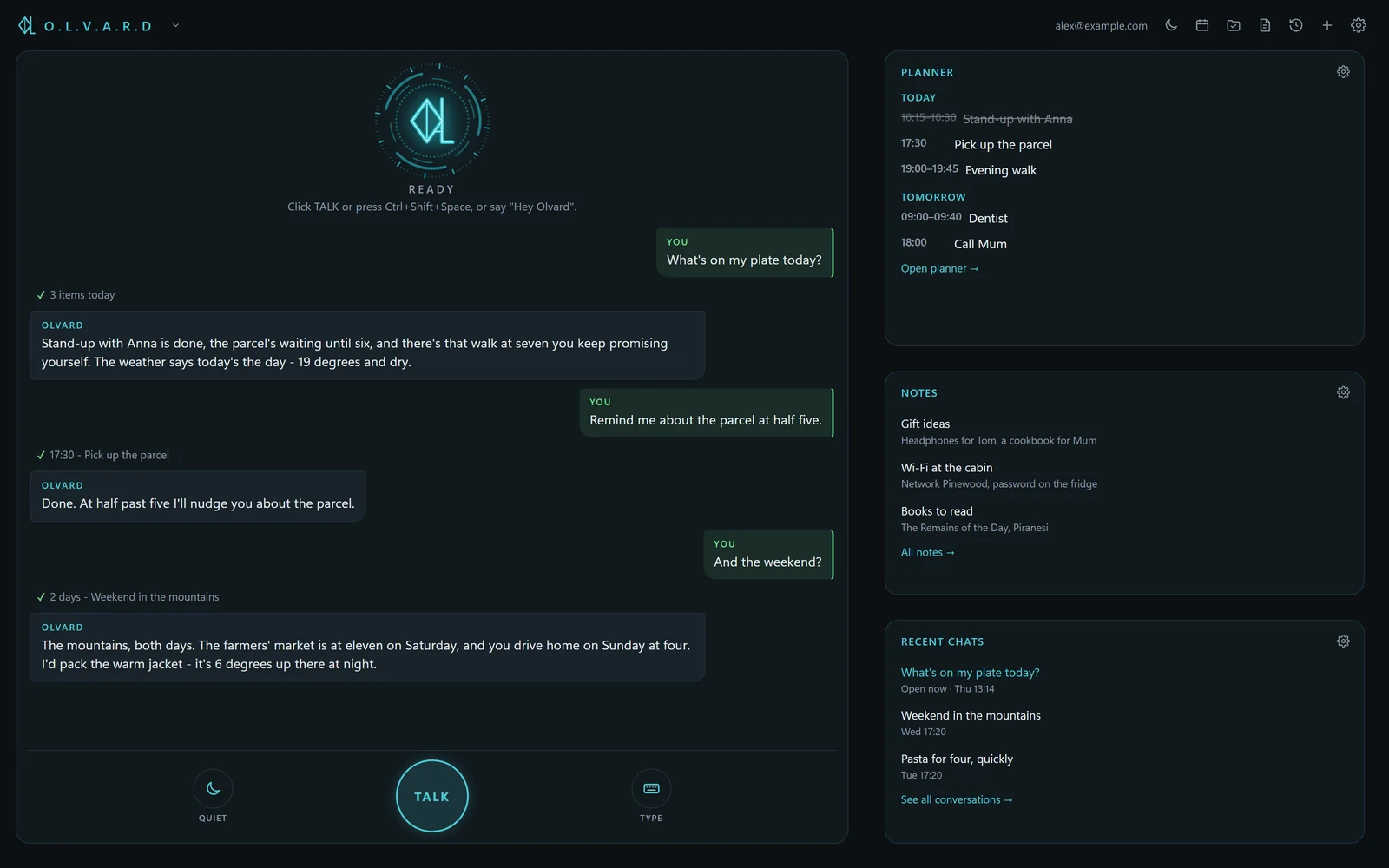
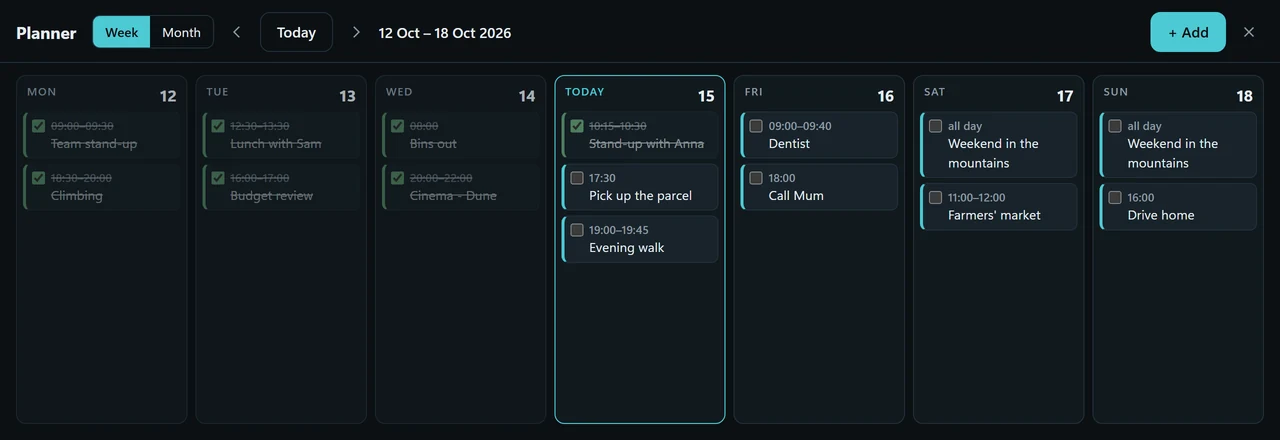
The Windows app, shown with sample data.
Talk naturally
Speak like you would to a person.
Or type. Either way the answer is read aloud, in a voice that runs on your own device.
Hands-free mode
"Olvard,
listen up."
Hands on the wheel. He does the rest. Tap one:
Your day, in order
"Move my three o'clock." Planner, notes and timers - by voice.
PC and phone, both ways
Encrypted backup
Your PCOne sealed fileA new phone
Restore everything on a new PC or phone in a minute.
On the way
Project tabsA workspace per project, each with the AI engine you choose.Coming
macOS and iPhoneThe same Olvard on the rest of your devices.In progress
Olvard adapts to how you talk, what you need and who you'd like on the other end.
Gentleman mode
"What the hell deuce happened to the Wi-Fi?"
Swearing, translated into something your grandmother would approve of.
Greetings that know the time
When you open Olvard
"Morning, sir. The kettle first - the rest can wait."
When you call him "Hey Olvard"
"Up already? Go on, I'm listening."
A different welcome for each part of the day and a different answer when you call him.
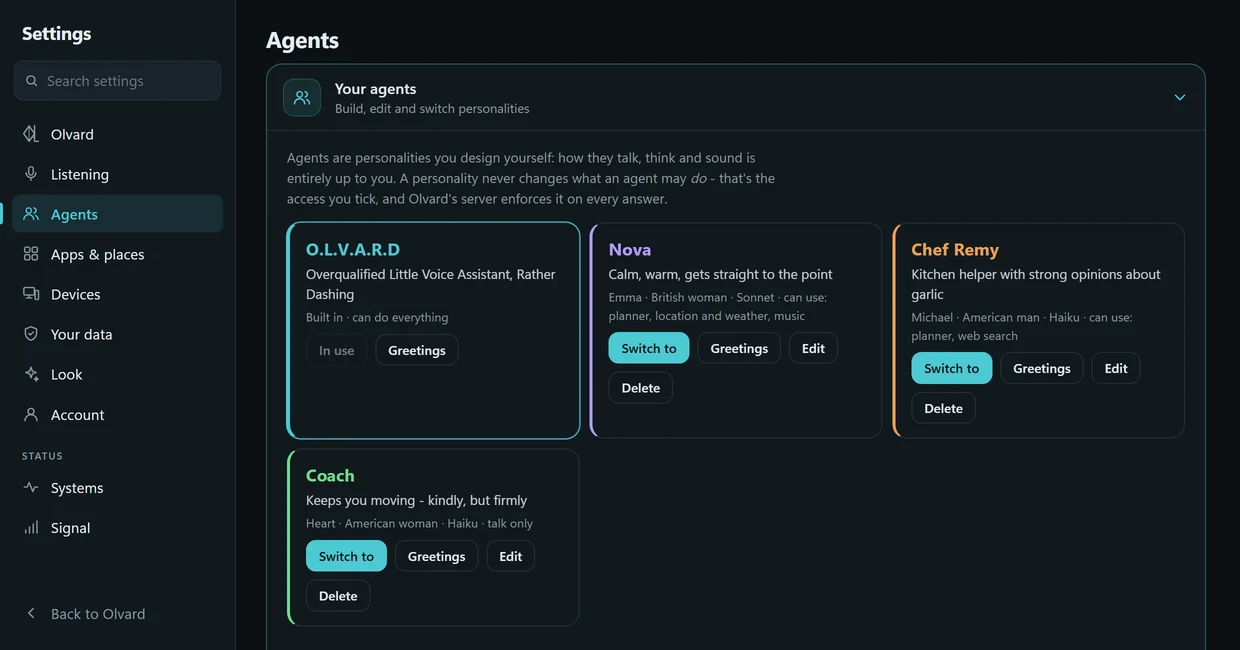
Personalities
The same request, four different characters. Switch between them and see how each one answers.
Design your own agent
Describe it in one sentence and Olvard builds the agent: name, manner, voice and exactly what it may do.
Quiet mode
After ten quiet minutes he dozes off on his own - or just tell him to. Two claps and your wake phrase bring him back.
Your dashboard
Drag tiles where you want them, resize them, save up to ten layouts on the PC and the phone.
Interactive demo, simplified. Drag tiles in from below, move them by their top, pull a corner to resize, × removes one.
Privacy
Your conversations, plans and notes live encrypted on your own devices. That isn't a setting - it's how Olvard is made.
The honest part: nothing online is ever 100% private, and we won't pretend otherwise. When you ask something, it passes through our server to the AI that writes the answer and isn't stored. Our top concern is simple: your data shouldn't be accessible even to the people who build Olvard. The full details.
What our server keeps: your sign-in and, later, your subscription. Nothing else.
Local first
Stored on your PC and phone, encrypted with keys that never leave them.
End-to-end sync
Devices share through our server, but only they hold the key.
Almost nothing on our side
Only what signing in needs. No access logs, no tracking, no ads.
Your passphrase, your backup
We can't open it and neither can anyone else.
The short answers. The long ones are in the privacy policy and the terms.
Write to support@olvard.com - a person reads every message.
An AI voice assistant that lives on your PC and your phone. It talks with you, keeps your planner and notes, controls your devices, helps in the car, and can take on a personality you design.
Windows and Android today. macOS and iPhone are in progress.
English today; more languages, Polish first, are on the way.
Join the waitlist below. We'll email you once, when you can try it.
No. It listens when you press Talk, or, if you turn them on, for its wake phrase or two claps, recognised on the device itself. Nothing is sent anywhere until you actually ask something. Close Olvard and everything stops.
Yes. Every screen has a text box, and answers appear on screen as well as being read aloud.
On the PC: apps, websites, volume, screens, and locking it. On the phone: calls, texts and your calendar. Between the two: wake your PC from the phone, and send rides and routes from the PC to the phone. Music works with Spotify.
Your planner, notes and conversations are stored on your devices, so they open without a connection, and Olvard's voice runs locally. New answers from the AI do need the internet.
Yes. Describe it in your own words - "a calm coach who keeps answers short" - and Olvard drafts it in seconds. Then change anything: name, colour, voice, manner, and what it's allowed to do.
No. A personality only changes how an agent talks. What it may do is the access you tick, and Olvard's server enforces that on every answer.
Natural British and American voices, men and women, that run on your own device. Pick one per agent and set the speed.
On your devices, encrypted. Our server keeps only what signing in needs. See Privacy.
Your question passes through our server to the AI that writes the answer, and our server doesn't keep it. The conversation is saved on your own device, encrypted.
Unlink the lost device from the other one, then restore your encrypted backup on the new device with your passphrase.
From Delete account. Your account goes from our server; the data on your devices is yours to keep or remove.
Early access is free. Olvard will be subscription-based; the plans will be announced before launch, and nothing is ever charged without your clear agreement.
Olvard is powered by Claude, Anthropic's AI. Olvard's own voice and the hands-free phrase run on your device.
Olvard is in early access. Leave your email. We'll write once, when it's your turn. Nothing else.